AI Pixel Art Generator
Game-ready pixel art from a sentence: a set of 8 sprites in one style, rebuilt on a real 16 to 64 pixel grid with a small palette and a clean transparent background.
Generate pixel art
Animate this character
Made with Itemsmith
Real results from the generator, straight after the automatic background cut-out (shown here before the pixel-grid step).
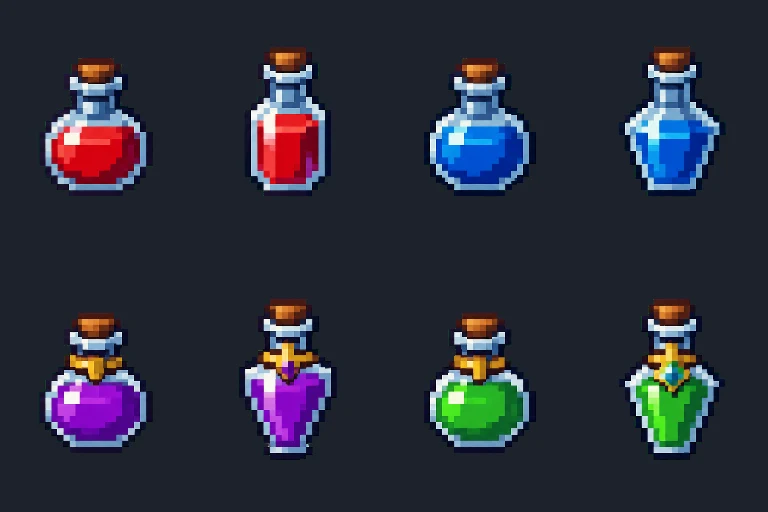
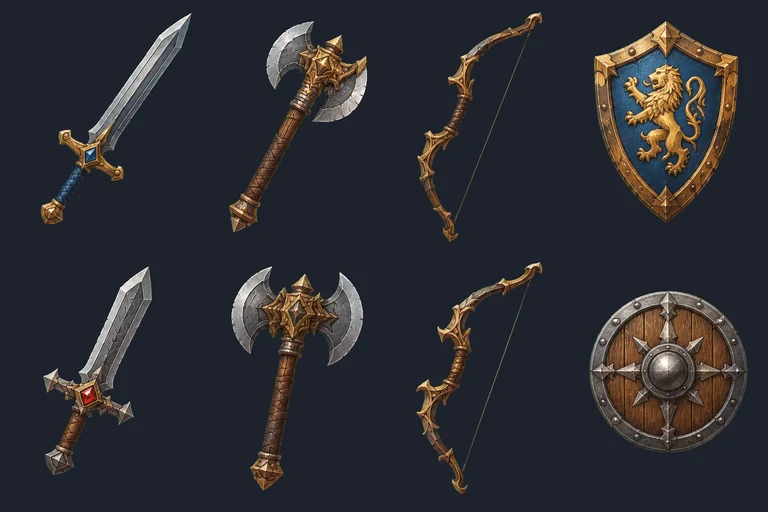
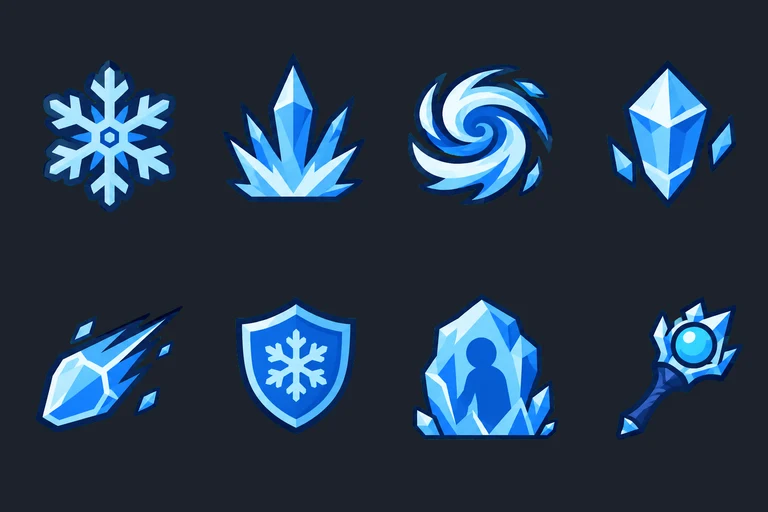
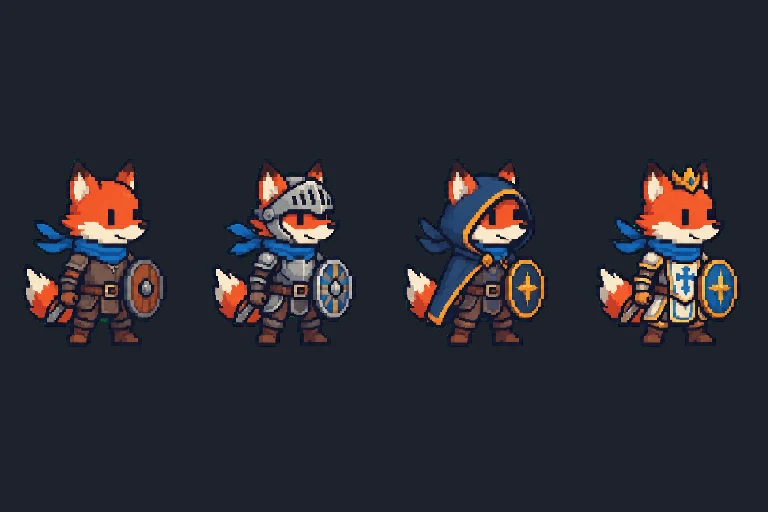
Why our AI pixel art generator snaps to a real grid
AI image models draw "pixel art" as a picture of pixels: some blocks are 9 screen pixels wide, some 11, edges are blurred, and there are hundreds of colors. Drop that into a tilemap and it shimmers when you scale it. After the background is removed, each sprite is resampled block by block to the size you picked, every pixel gets one solid color, and the colors are reduced to a 16-color palette. The result behaves like hand-made pixel art: crisp at 2×, 3× or 4×, and easy to recolor in Aseprite.
FAQ
What sizes can the pixel art generator make?
16, 24, 32, 48 or 64 pixels on the longest side for items and icons; characters get 1.5 times that height so faces stay readable. The preview is shown enlarged with sharp pixels; the PNG is the real size.
Is it real pixel art or just a pixel look?
The image model only imitates pixel art, with blocks of uneven size. Itemsmith rebuilds every asset on a true grid: one color per pixel, a 16-color palette and hard alpha, so it scales cleanly by whole numbers.
Can I turn my own image into pixel art?
Yes, with the free pixel art converter. It runs in your browser and uploads nothing.