AI Sprite Generator
Describe a hero, an enemy or an NPC. Get 4 designs, pick one, then turn it into idle, attack or jump frames on a shared baseline, exported as a sprite sheet.
Design a character
Animate this character
Made with Itemsmith
Real results from the generator, straight after the automatic background cut-out (shown here before the pixel-grid step).
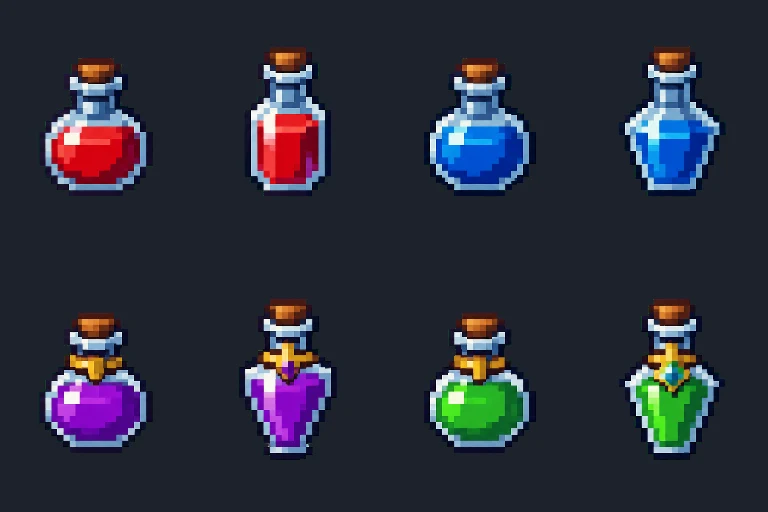
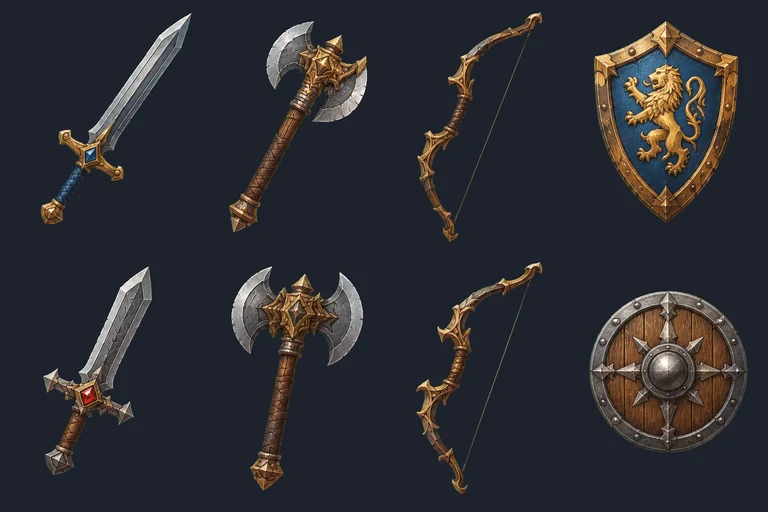
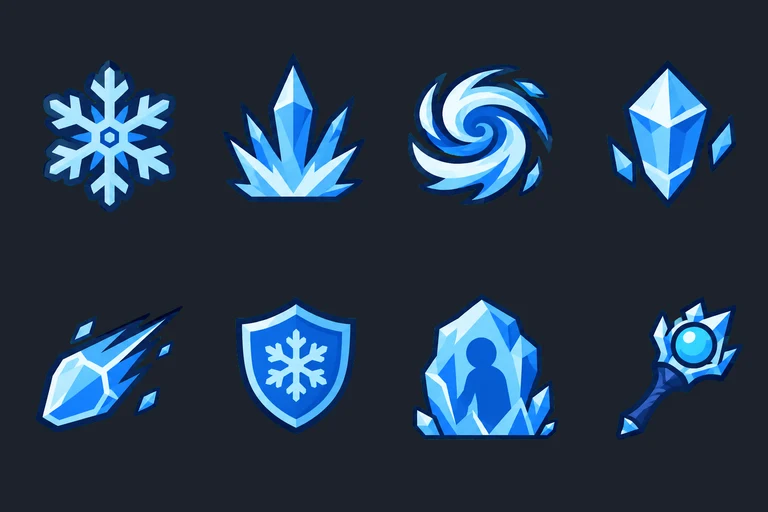
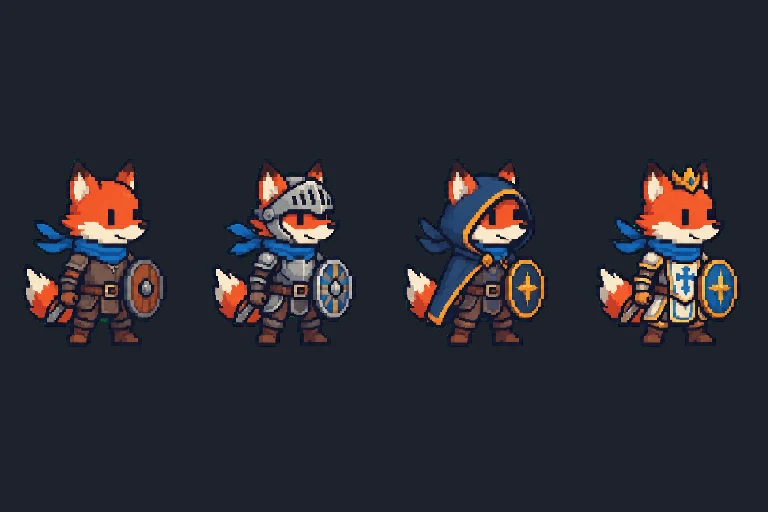
From the AI sprite generator to a sprite sheet
The first generation gives 4 different takes on your description, all full body, side view and the same height. Click Animate under the one you like. The animation is made from that exact design, then every frame is trimmed, put in a cell of the same size and aligned at the feet. Export the frames, a ZIP, or a sprite sheet whose JSON already lists the animation by name.
FAQ
How does the character animation work?
Pick one of the 4 designs and an action (idle, walk, run, attack, jump, hurt or cast). Itemsmith asks the model for 4 frames of that same character, cuts them out and puts them in equal cells with the feet on one baseline, so the animation does not slide or bob.
Are 4 frames enough?
For idle, attack and hurt they usually are. Walk and run cycles from 4 frames look simple; for smooth 8-frame cycles a dedicated animation tool is the better choice today, and we say so honestly.
Does the character stay the same between actions?
Each action is made from the design you picked, so face, colors and outfit carry over. Small details such as a belt buckle can change; check the frames before you ship.