AI Game Asset Generator
Describe what your game needs. Get a matching set of items, icons or characters on a transparent background, cut into separate PNGs and ready for your engine.
Make your assets
Animate this character
Made with Itemsmith
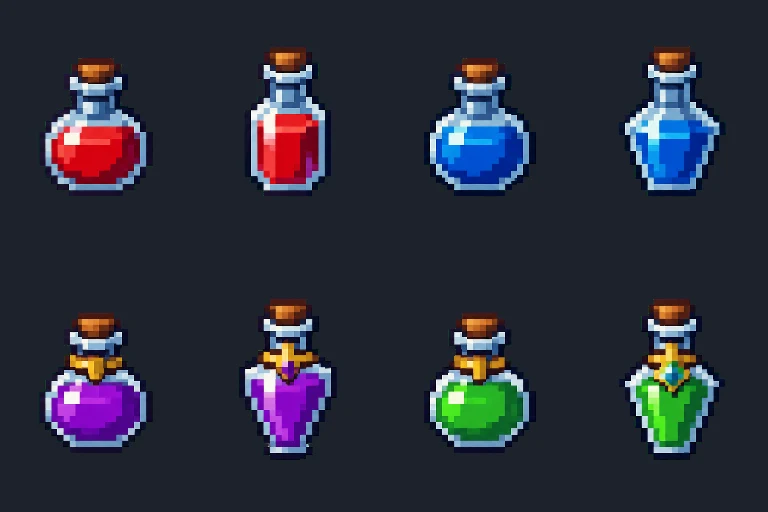
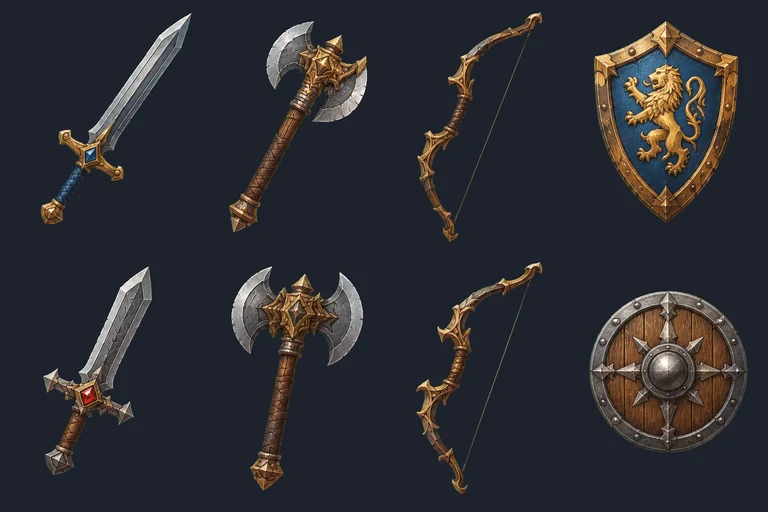
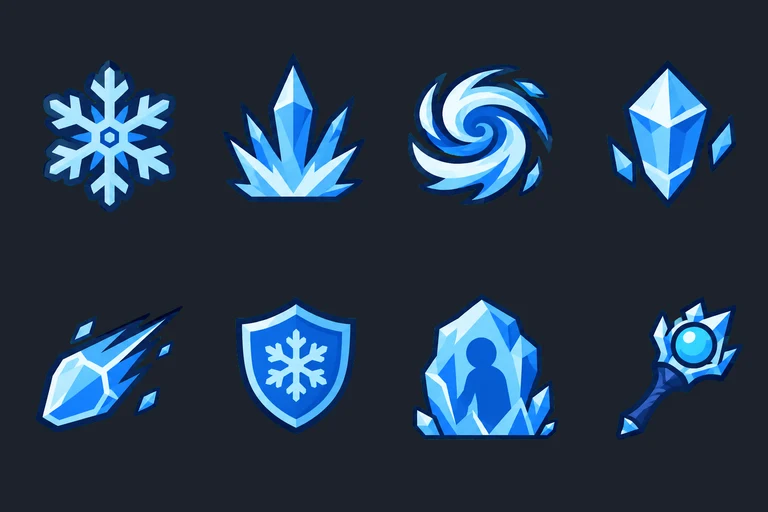
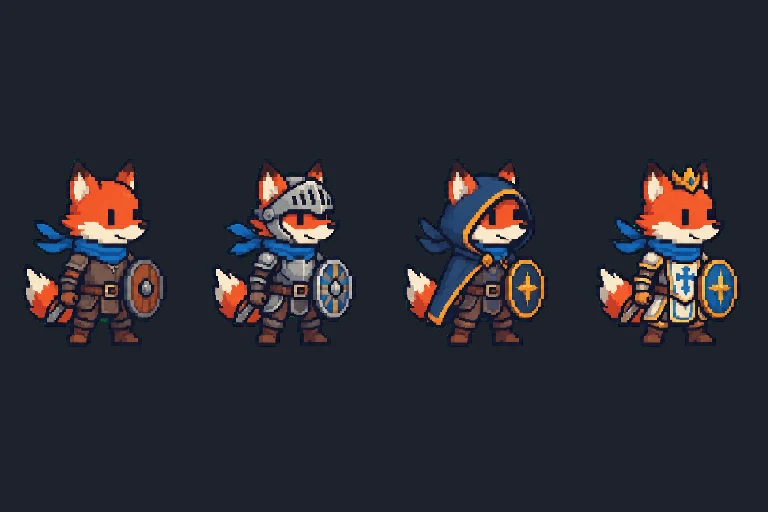
Real results from the generator, straight after the automatic background cut-out (shown here before the pixel-grid step).
How the AI game asset generator works
- One prompt, a whole set. The image model draws 8 items (or 8 icons, or 4 character designs) side by side on a flat key color, so they share one style, one light direction and one scale.
- Cut out in your browser. The key color becomes a transparent background with soft edges and no colored halo, and the sheet is split into separate files automatically.
- Snap pixel art to a real grid. AI "pixel art" has pixels of uneven size. Pick 16, 24, 32, 48 or 64 px and each asset is rebuilt on a true grid with a 16-color palette, ready for a tilemap.
- Export for your engine. Single PNGs, a ZIP of everything, or one sprite sheet with a JSON atlas (TexturePacker JSON Hash: Phaser, PixiJS and most engines read it). The pivot is set to the feet.
FAQ
Is the AI game asset generator free?
Yes: 3 generations a day, no account. Each generation is a set of 8 items or icons, or 4 characters, so that is up to 24 assets a day. The pixel art converter is free without a limit because it runs only in your browser.
Can I use the assets in a commercial game?
Yes. You can use, edit and sell games that contain what you make here. Don't describe other studios' characters or real people; those requests are blocked.
Why are the backgrounds green or pink in the original?
Image models cannot draw true transparency, so we ask for a flat green (or magenta, when your subject is green) background and remove it in your browser. You only download the transparent result.
Which engines can read the sprite sheet?
The JSON atlas uses the TexturePacker JSON Hash format, which Phaser, PixiJS, Cocos, Defold and many Godot and Unity importers read. Every frame also comes as a separate PNG in the ZIP.
How is this different from full sprite animation tools?
Animation suites focus on long, smooth character animations and usually need an account and a monthly plan. Itemsmith is for the many small pieces a game needs, like potions, loot, skill icons and NPC designs, made as a matching set in one go, with no sign-up.