
AI Game UI Generator
potions.png 128×64 32 px cells, shown ×4


Animate this character
Other sets made with Itemsmith
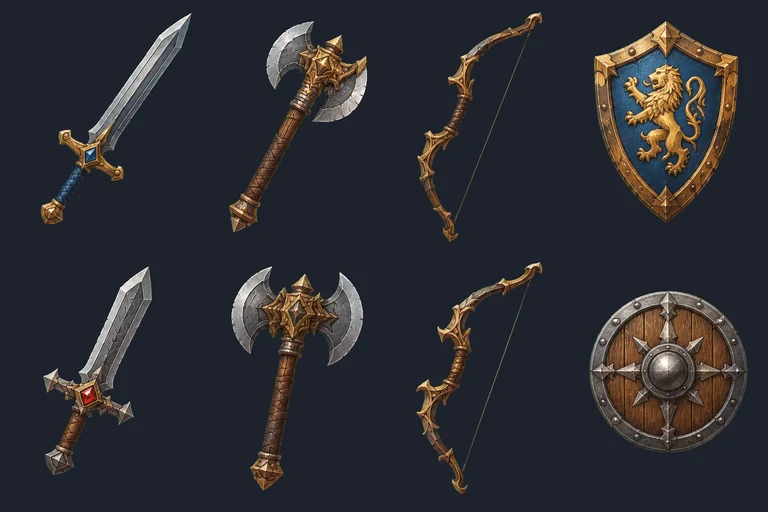
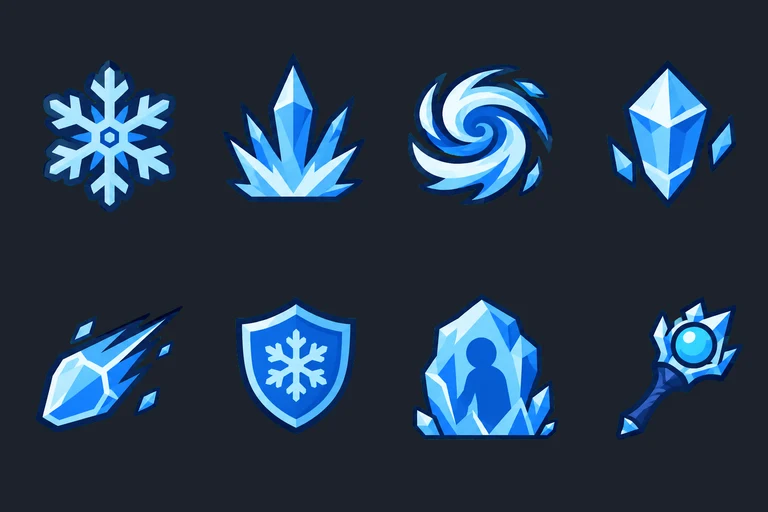
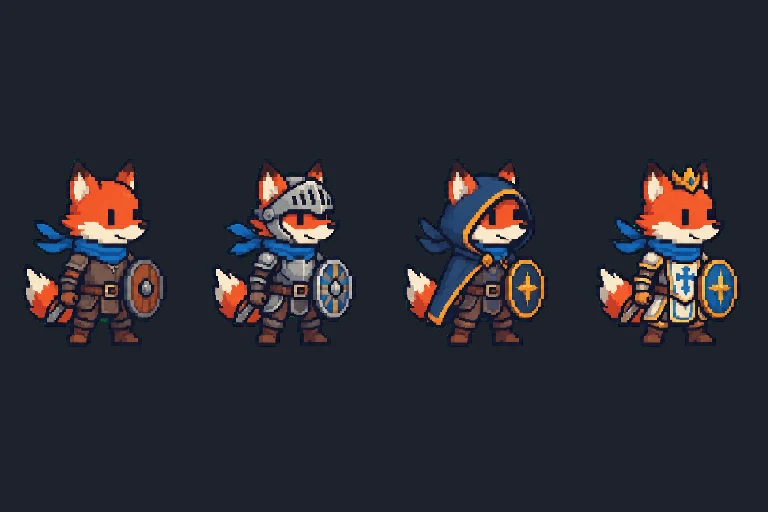
From the AI game UI generator to your engine
Every piece is cut out on a transparent background and named in the sprite sheet JSON, with a suggested nine-slice border for panels and buttons. Godot (NinePatchRect), Unity (Sprite Editor borders), Phaser (NineSlice) and PixiJS all stretch a panel this way, so one dialog background fits every message box in your game.
FAQ
What is in a UI kit?
Eight matching pieces: a button and its pressed state, an inventory slot, a dialog panel, a health bar frame and a filled bar, a round icon frame and a close button, all empty so you add your own text.
What does the slice value in the JSON mean?
It is a suggested nine-slice border: the corners keep their size and the edges stretch, so one panel fits any dialog. Click “Stretch” on a piece to preview it, and adjust the border in your engine if needed.
Can the UI match my game art?
Yes. Upload your art with “Match my art”, or click “Use as project style” under a set you made, and the UI kit follows that style.